
FBR & PRA e-invoicing from your phone
InvoiceFlow turns your phone into your invoicing desk. Create an invoice from your own product catalogue, let the server work out GST, further tax, advance tax and withholding exactly as FBR and PRA expect, then validate and file it — without opening a laptop.
Android APK · version 1.0.0 · Sign in with your InvoiceFlow account. How to install
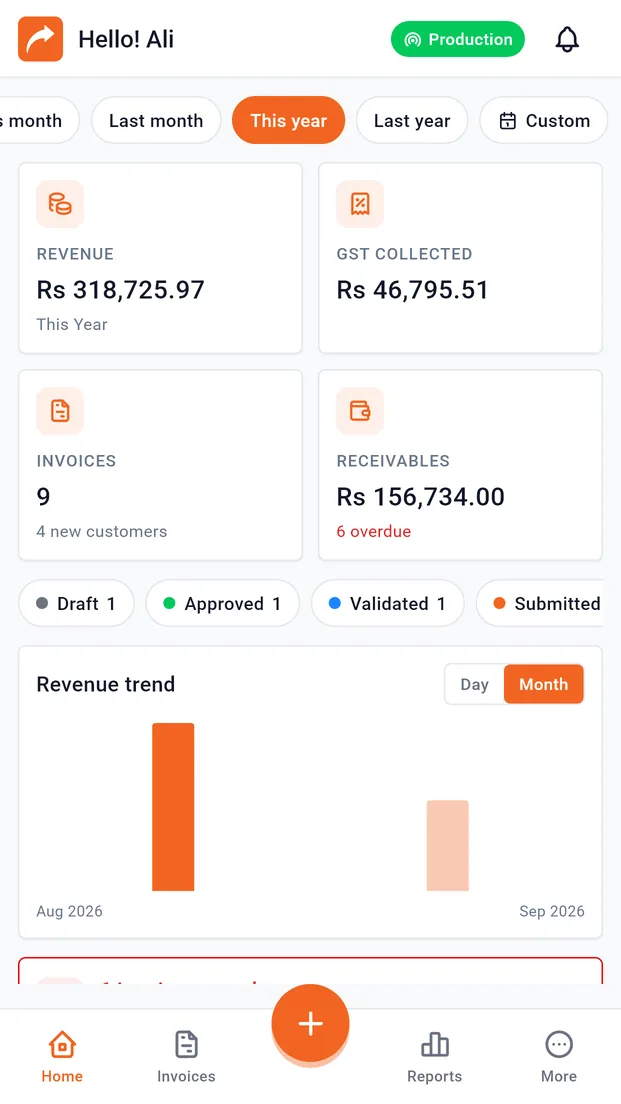
What can you do with the InvoiceFlow app?
Everything you need to invoice, get paid and stay compliant — away from your desk.
FBR & PRA digital invoicing
Validate and submit invoices to FBR or PRA, in sandbox or production, with the fiscal number and QR code on the invoice.
Tax worked out by the server
GST, further tax, advance tax and withholding are never computed on the phone. Every figure comes from the server, so what you see is what is filed.
Payments & receivables
Record payments and withholding tax, and see who owes you on the customer ledger.
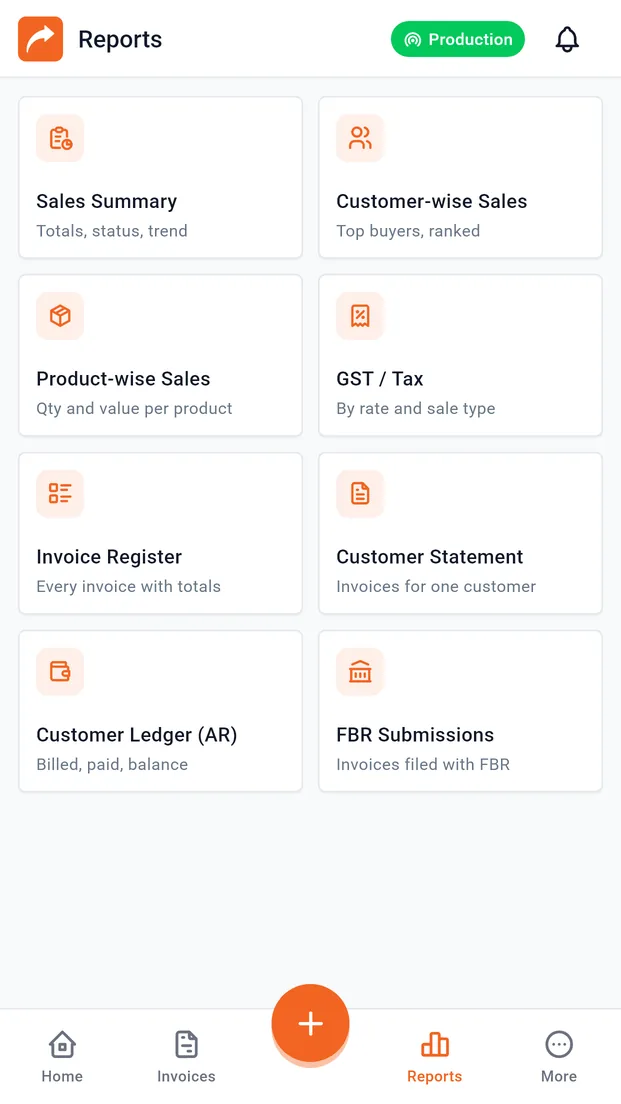
Nine reports, exportable
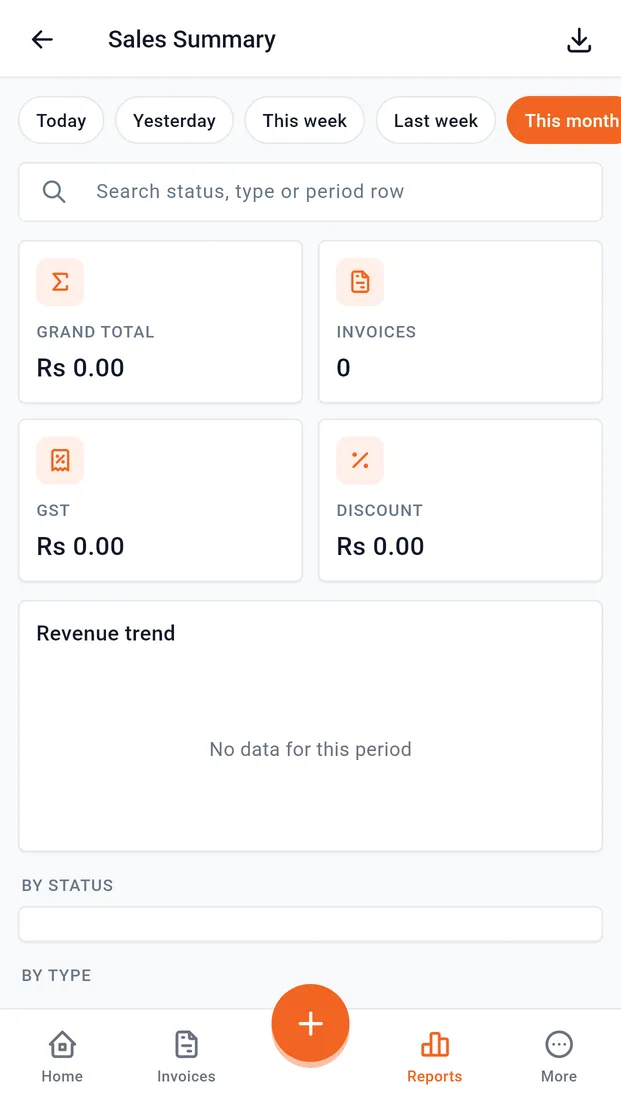
Sales summary, GST, invoice register, customer ledger, FBR and PRA submissions and more. Export to Excel or PDF.
Built for patchy connections
Cached data stays readable offline, and retries are safe, so a dropped signal never creates a duplicate invoice.
Secure by default
Device-bound sign-in, app lock with fingerprint, and certificate pinning between the app and the server.
Create and approve an invoice in under a minute
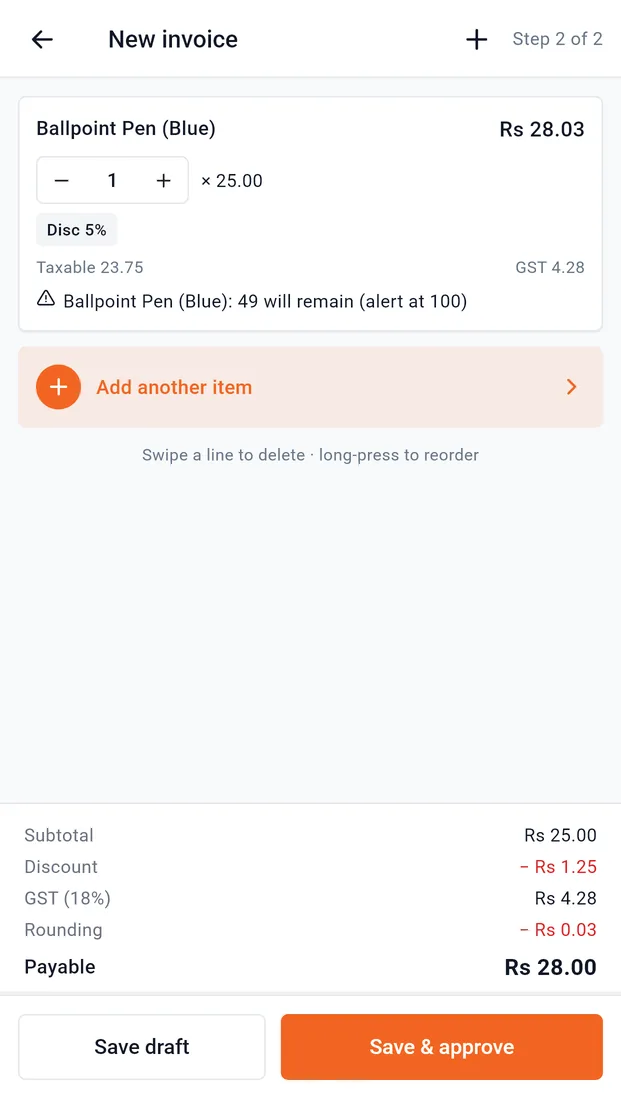
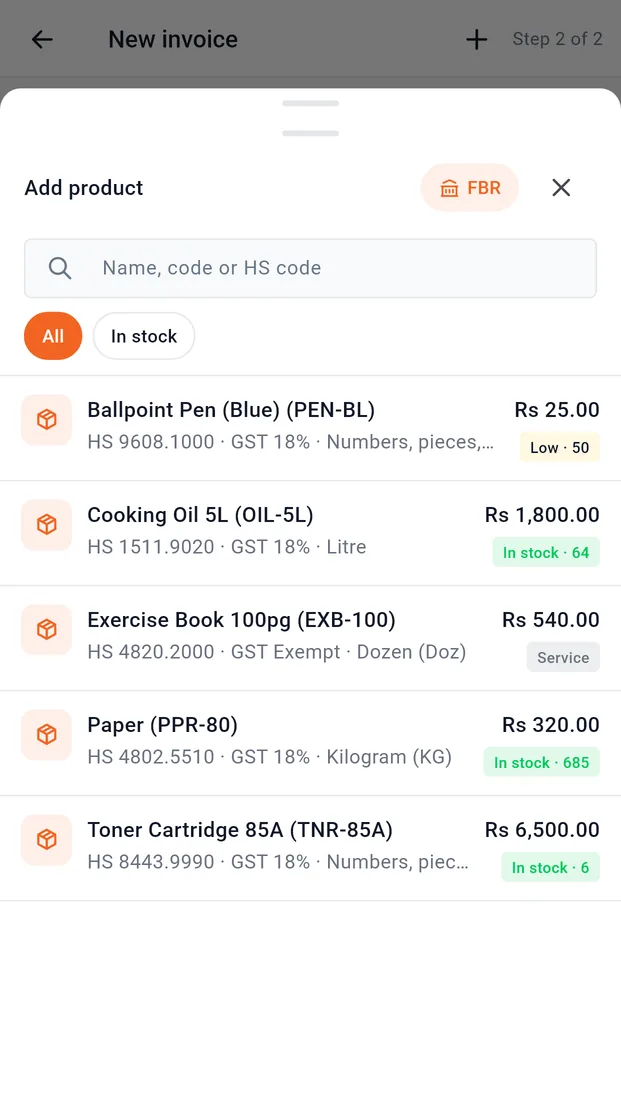
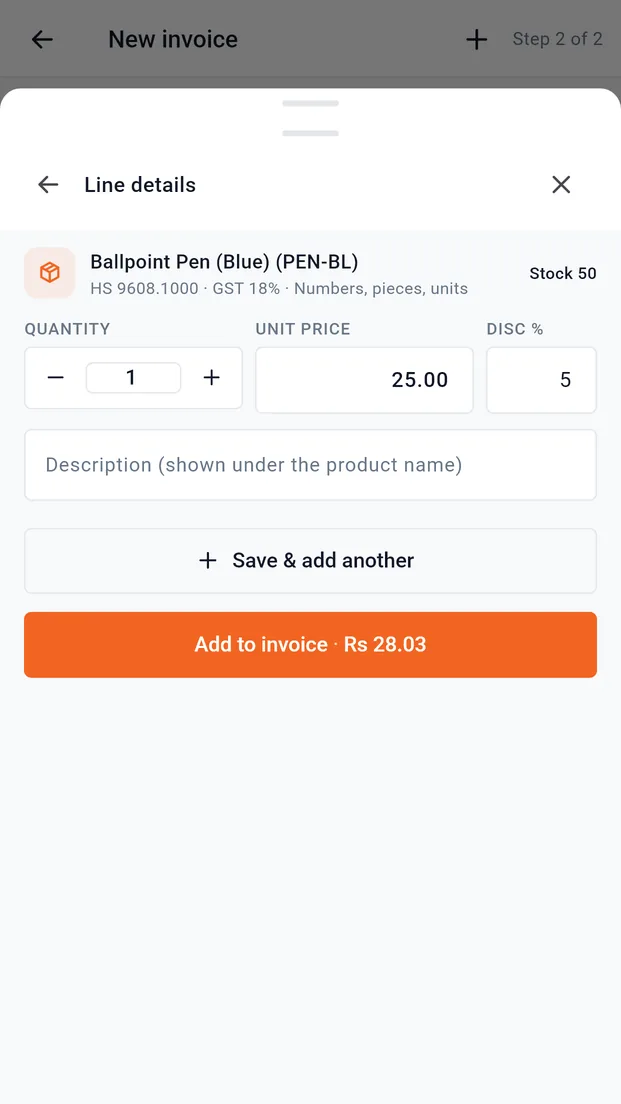
Pick products from your own catalogue, with live stock, set quantity, price and discount, then save as a draft or approve. The totals footer shows subtotal, discount, GST, rounding and the payable amount as you go.
- Search the catalogue by name, product code or HS code
- Stock warnings before you oversell
- "Save & add another" for long invoices
Does the app calculate tax on the phone?
No. The total on the button comes from the InvoiceFlow server, not the phone. GST, FED, further tax, advance tax (236G/H) and withholding are worked out on the server exactly as on the web app, so the figure on your screen is the figure that is filed with FBR or PRA.
Every invoice, searchable, on one screen
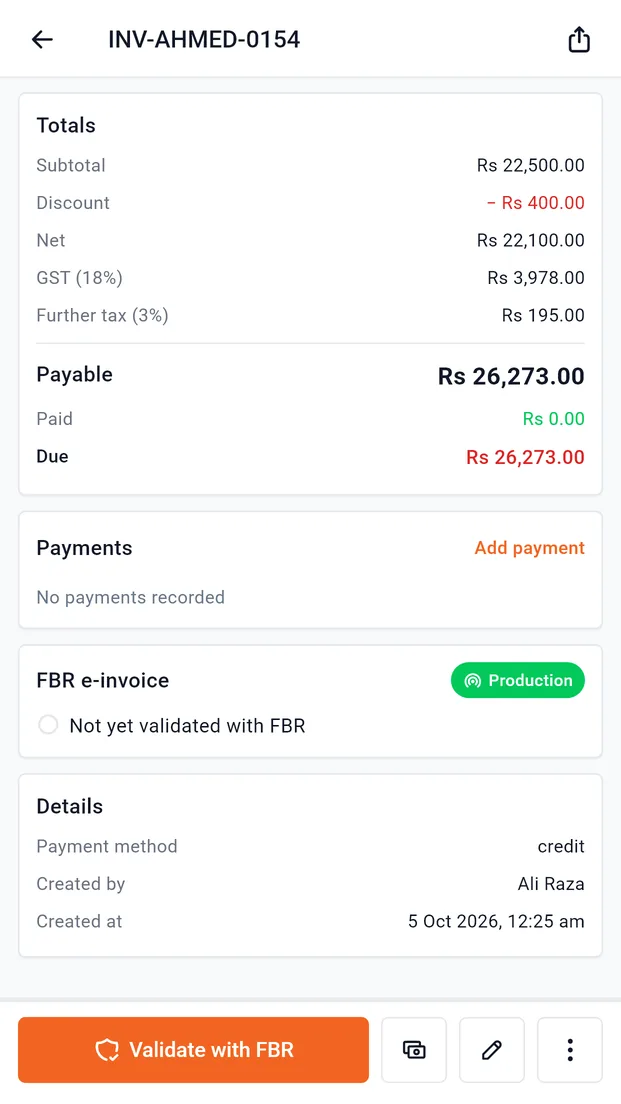
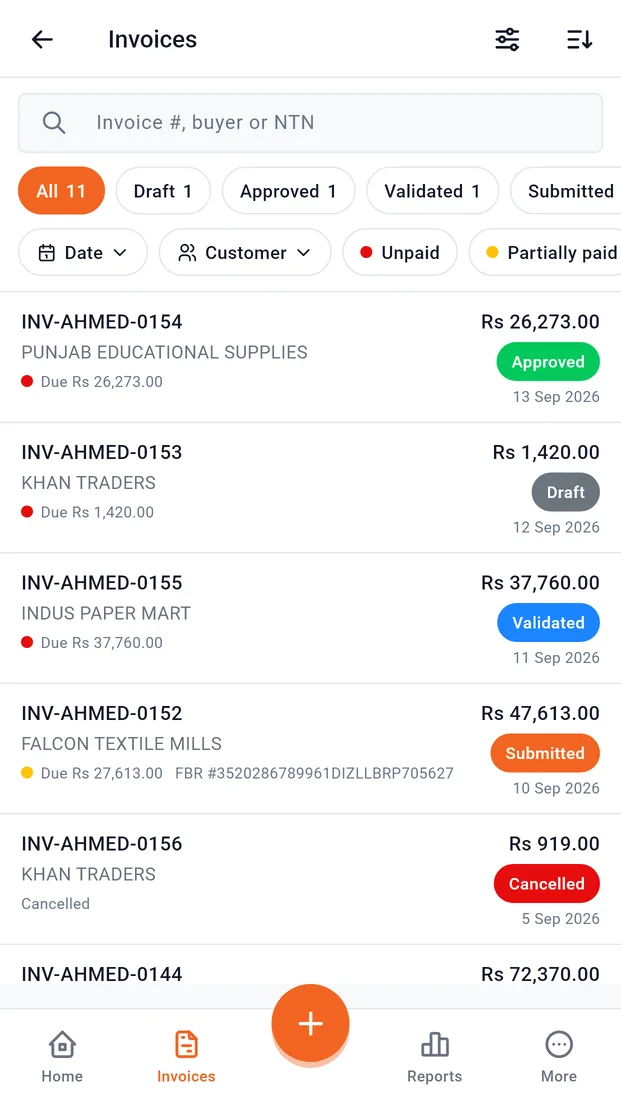
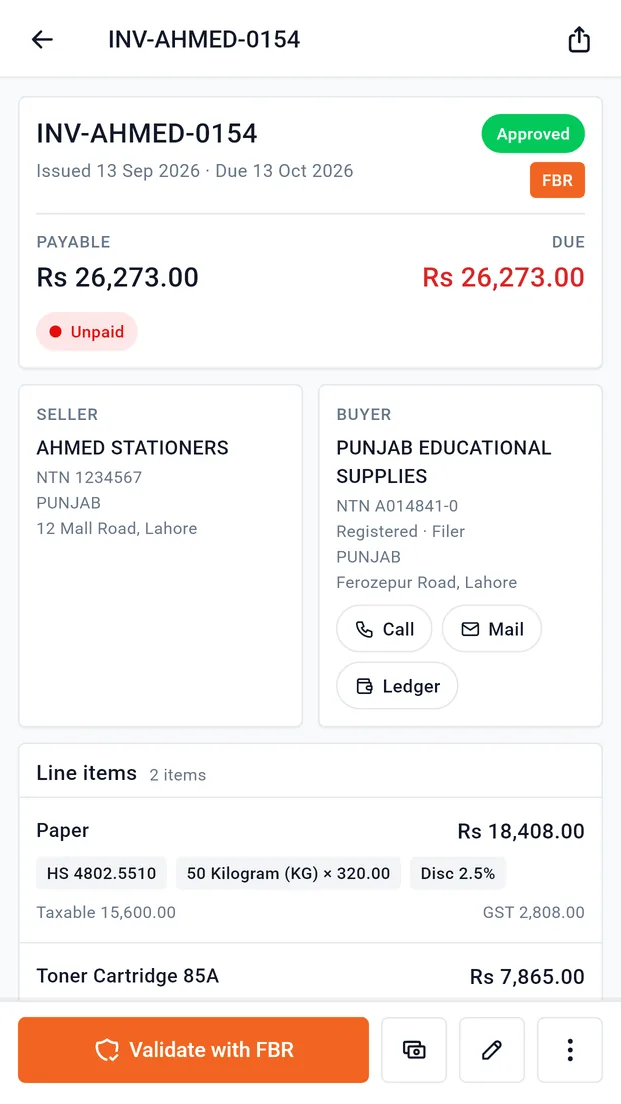
Search invoices and filter by status (Draft, Approved, Validated, Submitted), authority, date or customer. Open any invoice to see seller, buyer, line items with HS codes, taxes, payments and the FBR e-invoice status.
- Status chips with live counts
- Call, email or open the ledger of a buyer from the invoice
- Payable / Paid / Due at a glance
Know who owes you, down to the rupee
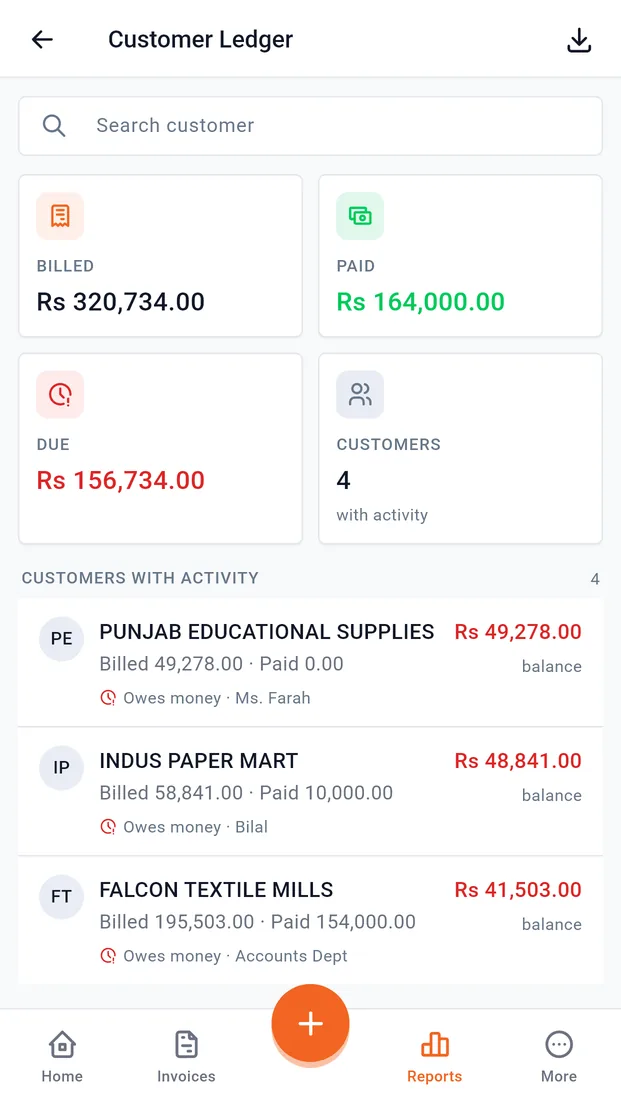
The customer ledger shows billed, paid and due for every customer, with clear "owes money" and "in credit" markers. Record payments and withholding tax against invoices from your phone.
Your sales tax return, already totalled
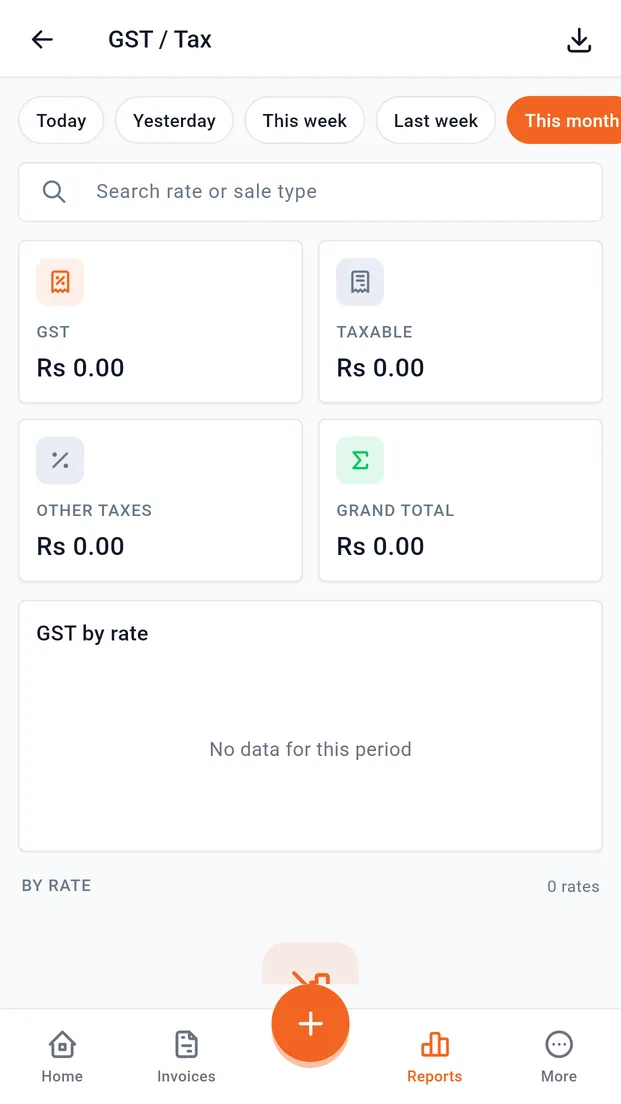
Nine reports in one place: Sales Summary, Customer-wise Sales, Product-wise Sales, GST / Tax, Invoice Register, Customer Statement, Customer Ledger, FBR Submissions and PRA Submissions. The GST report breaks tax down by rate and sale type, ready for filing.
- Choose any period: this month, last month, this year or custom
- Export reports to Excel or PDF
Secure by default
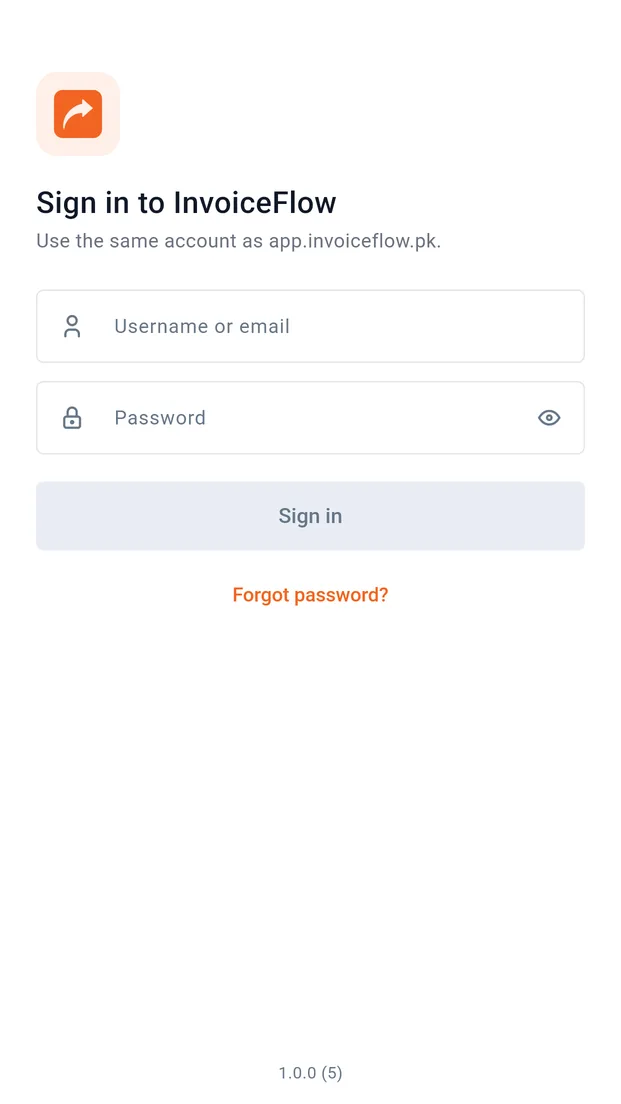
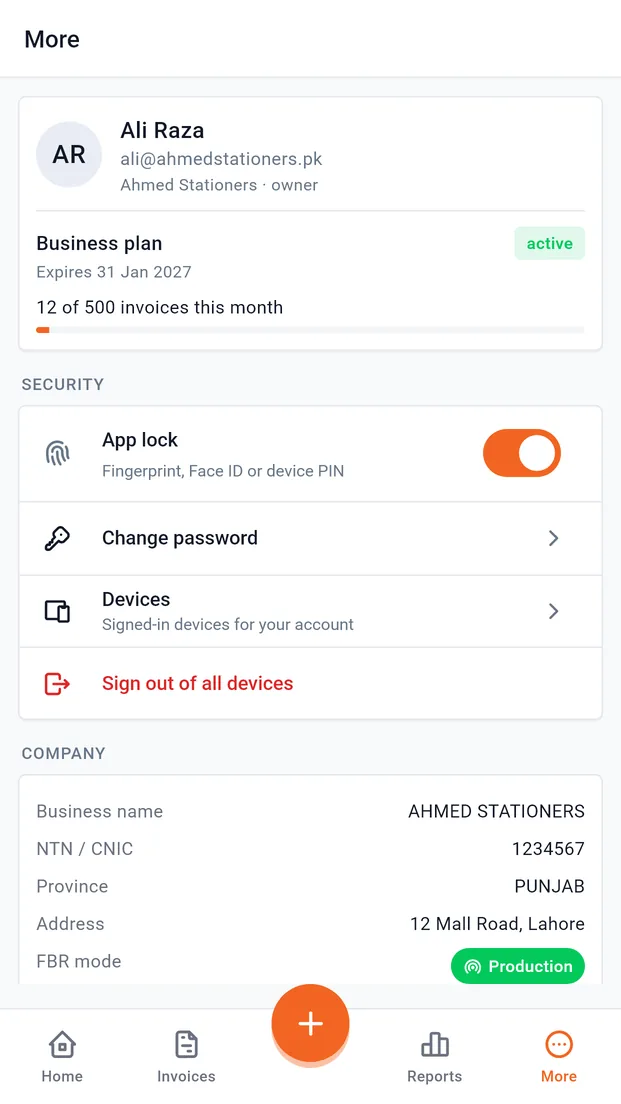
Signing in registers the device to your account, and tokens are kept in the phone's secure keystore. Lock the app with your fingerprint, change your password and manage signed-in devices from the More tab. The app pins the server certificate, which protects your data from interception on untrusted networks such as public Wi-Fi.
How do I install the InvoiceFlow Android app?
It takes about a minute.
- Step 1
Download on your phone
Open this page on your Android phone and tap "Download for Android".
- Step 2
Allow and install
Open the downloaded file. If Android asks, allow your browser to install apps, then tap Install.
- Step 3
Sign in
Open InvoiceFlow and sign in with your InvoiceFlow email and password. Signing in registers this device to your account.
Mobile app FAQ
Is there an InvoiceFlow mobile app?
Yes. InvoiceFlow has an Android app for FBR and PRA digital invoicing. You can create, approve, validate and submit invoices, record payments and view tax reports from your phone.
Is the InvoiceFlow app free?
The app is a free download. It signs in to your InvoiceFlow account, so it works with your existing plan. New users can start a free trial on invoiceflow.pk and then sign in on the app.
How do I install the InvoiceFlow Android app?
Open invoiceflow.pk/mobile-app/ on your Android phone and tap "Download for Android". Open the downloaded file; if Android asks, allow your browser to install apps, then tap Install. Open InvoiceFlow and sign in with your InvoiceFlow email and password.
Is there an iPhone (iOS) app?
Not yet. The mobile app is available for Android today. On an iPhone you can use the InvoiceFlow web app in Safari.
Can I submit invoices to FBR from the app?
Yes. The app validates and submits invoices through the same server as the web app, which sends them to FBR through the official PRAL gateway API. The FBR e-invoice card on each invoice shows its status and fiscal number.
Does the app work offline?
Data you have already opened stays readable offline. Creating, validating and submitting invoices needs a connection, because tax is calculated and filed by the server. Retries are safe, so a dropped connection will not create duplicate invoices.
Does it support PRA (Punjab Revenue Authority) invoicing?
Yes. The app supports both FBR and PRA digital invoicing, and the Reports tab includes separate FBR Submissions and PRA Submissions reports.
Screenshots show demo data from the app's built-in sample account — no real customer data.
Don't have an InvoiceFlow account yet?
Start your 7-day free trial on the web, then sign in on the app with the same email and password.